If you want to advance Slack tips for remote team success, begin with a clear structure and habits your whole team can follow.
Slack centralizes conversations, files, and workflows so everyone sees the same context. Strong conventions plus native automation simplify coordination across time zones.
This guide explains Slack’s core features, advanced practices that lift throughput, and how to download a complementary Slack app that supports planning at scale.
What Slack Is and How Its Features Work Together
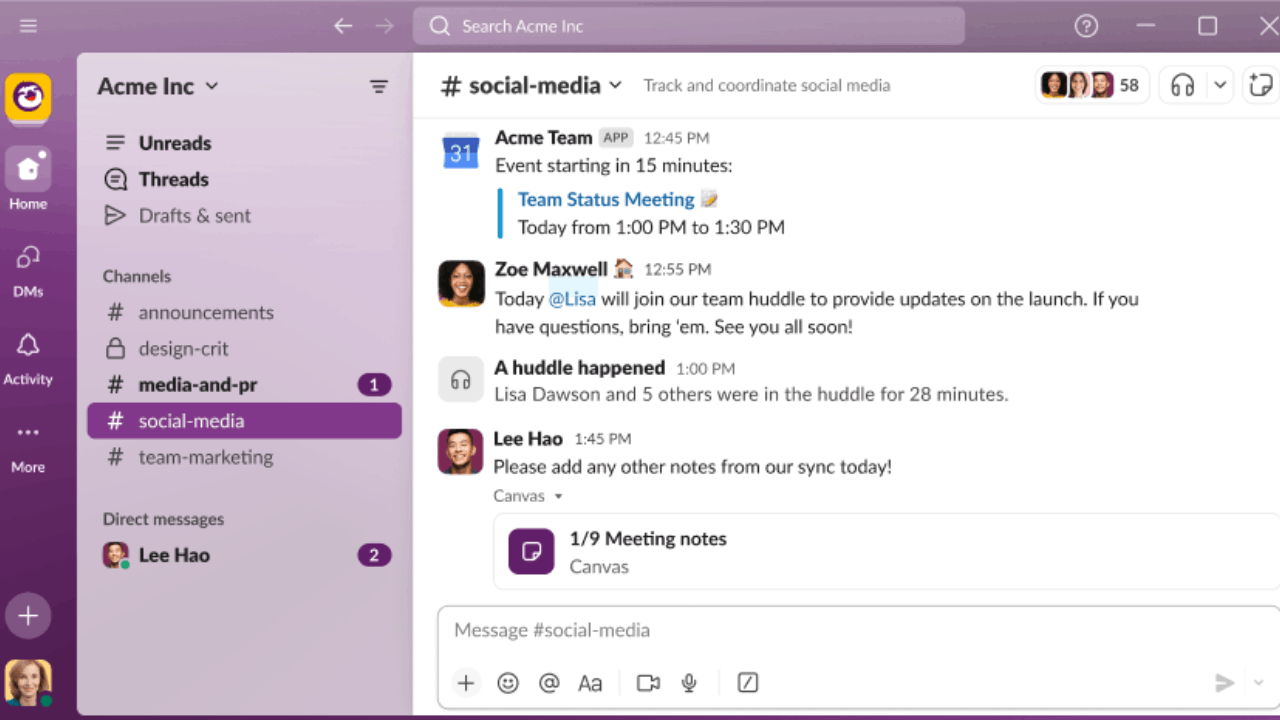
Slack is a digital workspace where channels organize discussions by project, function, or client.

Messages, files, and search live in one place, while apps extend Slack with calendars, docs, and incident tools.
Native features include channels, huddles, clips, canvases, and Workflow Builder for routine automation. The platform’s goal is to bring people, data, and processes together inside a single interface.
Channels, Search, and Knowledge at a Glance
Channels replace scattered email threads with topic-based spaces that anyone can scan.
Powerful search helps you retrieve decisions, attachments, and message history across channels as your knowledge base grows.
Pinned items and canvases capture briefs and checklists directly in the channel context. This reduces hunting for information and keeps new teammates productive on day one.
Workflow Builder and Light Automation
Workflow Builder lets non-technical users automate intake forms, stand-up prompts, approvals, and handoffs. Workflows can run from messages, live inside canvases, or be bookmarked in a channel for quick access.
Connecting steps to other apps keeps human tasks and system updates in sync. Automation removes repetition so teams ship faster with fewer status meetings.
Real-Time Collaboration With Huddles
Huddles provide lightweight audio and video inside channels and DMs for rapid problem solving.
Teams can enable multi-person screen sharing, capture notes in a dedicated thread, and return to async messaging without context loss.
Real-time touchpoints feel like dropping by a teammate’s desk, but they stay anchored to the work channel. This blend of synchronous and asynchronous flow reduces meeting overhead.
How Slack Drives Remote Team Success
Remote teams need clarity on who is doing what and when the next action happens.
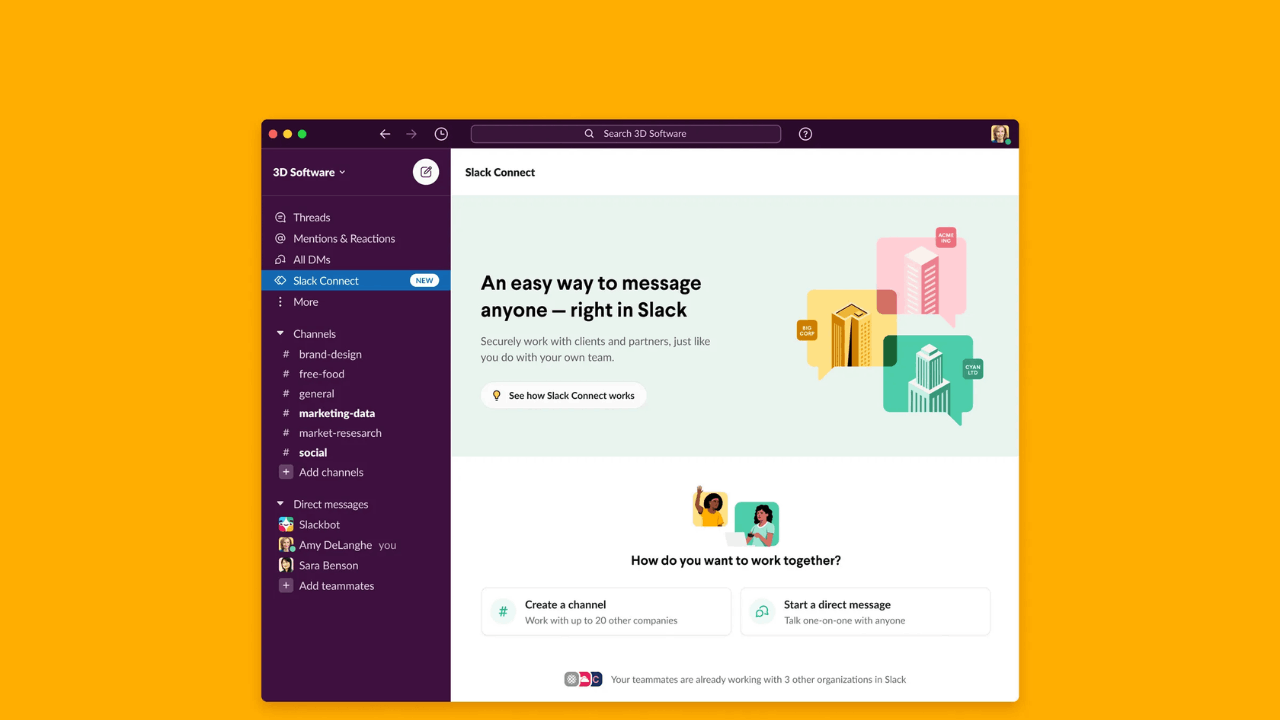
Slack structures that clarity with named channels, explicit owners on messages, and shared artifacts pinned near decisions.
Automation codifies rituals like daily check-ins or ticket triage and triggers nudges without a manager watching the clock.
Over time these patterns reduce uncertainty and make delivery more predictable across time zones.
Establish Clear Operating Norms in Channels
Create channels for projects, functions, and incidents so updates do not blend together. Use consistent naming and topic descriptions so new members understand purpose and etiquette immediately.
Pin briefs, timelines, and definitions of done in a canvas for each channel to eliminate guesswork. The result is fewer status pings and faster onboarding into live workstreams.
Replace Recurring Meetings With Automations
Use Workflow Builder to post stand-up prompts at set times and collect blockers in a tidy thread. Trigger routing when a message contains a keyword like “incident” to alert the right group without escalation lag.
Auto-assign a reviewer when a task hits a stage channel so approvals do not stall. These micro-automations turn rituals into reliable systems that scale with headcount.
Blend Async Threads With Just-In-Time Huddles
Keep most work in threads so updates are searchable and easy to catch up on after hours. When latency appears, initiate a huddle from the same channel, record action items in the thread, and resume async flow.
The shared context prevents decisions from disappearing into separate call tools or notes. Teams move faster because discussion and documentation remain attached.
Advanced Slack Tips for Remote Team Success
Once the basics run smoothly, advanced habits and configurations unlock bigger gains.
Focus on reducing noise, encoding processes, and improving handoffs between humans and systems.
Each tip below is designed to remove friction at scale while keeping work visible. Small improvements compound into measurable throughput over weeks and quarters.
Design a Channel Taxonomy That Mirrors Your Org
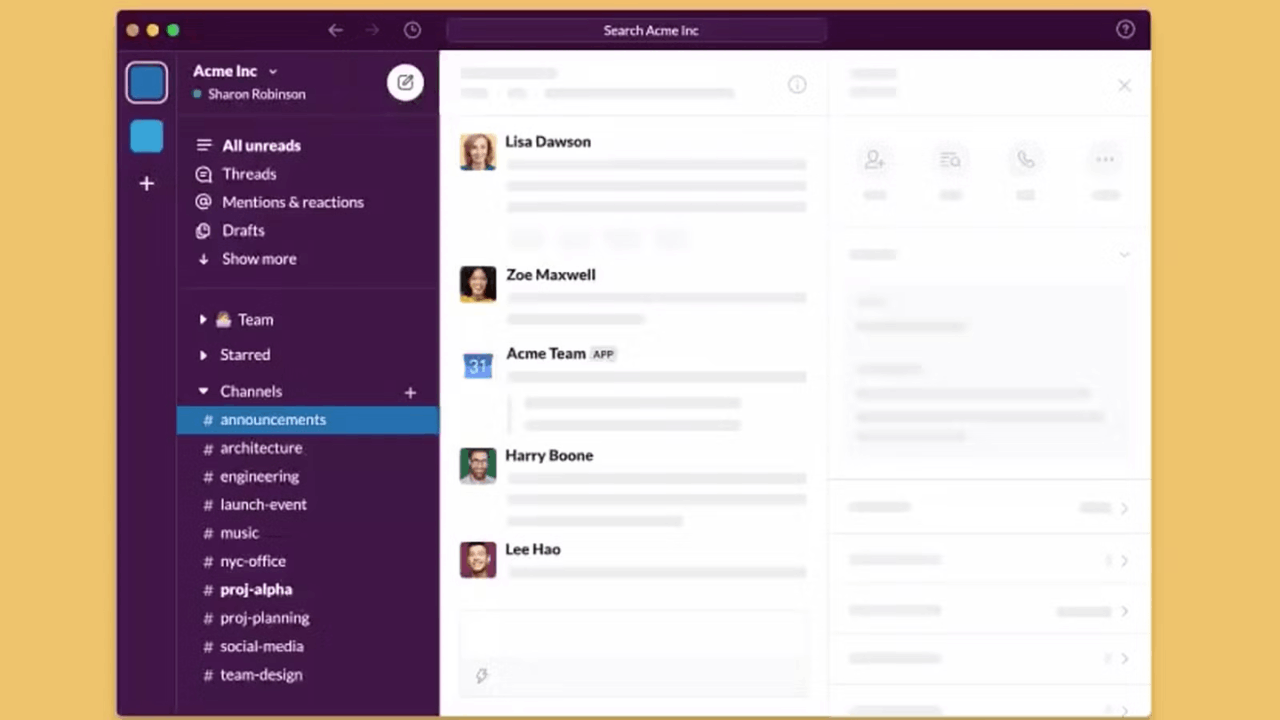
Group channels by product, customer, function, and incident response so stakeholders know where to look.
Prefix names with clear tags, then add descriptions and topics so purpose is obvious at a glance.
Archive stale channels monthly to keep search results clean and reduce duplication. Strong information architecture beats ad hoc sprawl as your workspace grows.
Turn Intake Into Standardized Forms With Workflows
Replace free-form pings with Workflow Builder forms that collect the fields you need every time. Post the form in a channel or embed it in a canvas so requests are consistent and trackable.
Route submissions to the right people and stamp them with due dates automatically. Stakeholders see status in-channel without asking for manual updates.
Use Huddles as an Escalation, Not a Habit
Default to threads for decisions and switch to huddles only when latency appears or pairing is needed. Share screens to resolve blockers, then summarize outcomes in the same thread for future readers.
Keep huddles short and scoped so they do not become stealth meetings. This balance preserves focus time while keeping momentum high.
Standardize Templates With Canvases
Create a reusable canvas for project briefs, incident timelines, and release checklists in each channel. Link owners, goals, milestones, and risks so expectations are visible without extra docs.
Store decisions and links in the canvas to shorten onboarding for new contributors. The shared artifact limits drift and prevents duplicate effort.
Promote Signal Over Noise With Mentions and Alerts
Encourage @channel and @here only for time-sensitive issues, and rely on targeted mentions otherwise. Teach teams to follow threads rather than entire channels to reduce notification load.
Use message shortcuts to convert a post into a task or reminder instead of retyping. These norms keep attention on the right work at the right time.
Automate Status, Reviews, and Reminders
Post a daily status prompt at fixed times, then nudge owners if updates are missing. Create a workflow that adds a reviewer and due date when a card reaches a stage channel.
Generate recap messages on Fridays with links to the week’s key threads and artifacts. You turn manual shepherding into reliable cadence with minimal overhead.
Manage Time Zones With Scheduled Send and Quiet Hours
Encourage scheduled send for cross-region updates so messages land in local mornings. Ask teams to set notification preferences and availability windows that respect personal time.
Use channel topics to note the primary time zone and core hours for live coordination. These practices protect energy and reduce after-hours interruptions.
Capture Decisions Where Work Happens
Keep approvals, rationale, and outcomes in the same thread that hosted the discussion. Pin or add them to a canvas so they are easy to find during audits and retrospectives.
Link relevant files or dashboards so readers can inspect the latest data in context. This practice turns Slack into a living record instead of an ephemeral chat stream.
Measure Flow and Improve Continuously
Review channel health by scanning unresolved threads, stale pins, and overdue reminders. Adjust your taxonomy, workflow steps, or automation triggers based on friction you observe.
Share before-and-after metrics like cycle time or incident resolution to reinforce habits. Small weekly tweaks produce durable performance gains over time.
Downloading Slack for Every Device You Use
Remote-first teams benefit from native apps that keep conversations one click away.
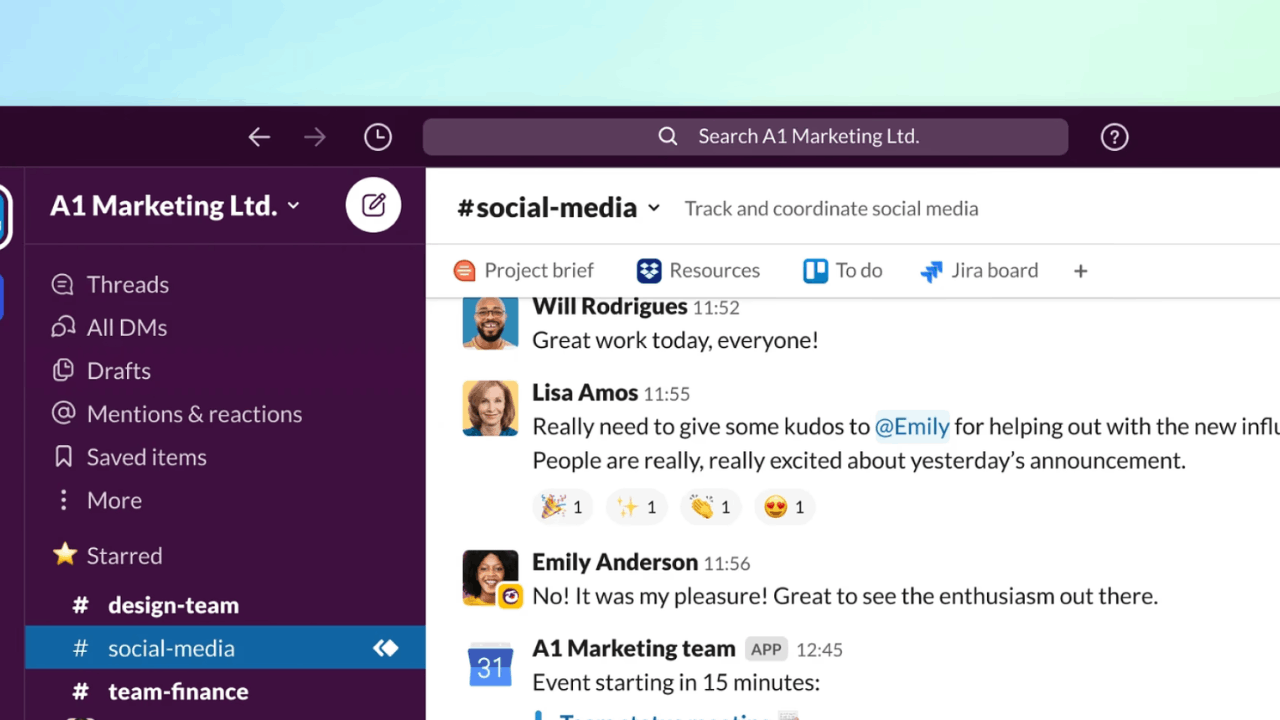
Slack provides official downloads for Windows, macOS, Linux, Android, and iOS with frequent updates.
Desktop apps support deep OS integration, while mobile apps deliver lightweight capture and notifications. Installing across devices ensures continuity between focus work and on-the-go updates.
First-Run Essentials for a Clean Start
Sign in, join your workspace, and set a descriptive profile so teammates recognize you across channels. Configure notifications to follow threads you own and mute channels outside your remit.
Enable two-step verification for account security and review data-retention guidance from your admin. A careful first run prevents alert overload and preserves focus as projects multiply.
Conclusion
The fastest route to advance Slack tips for remote team success is to pair clear channel design with light automation and disciplined documentation.
With these practices, distributed teams move faster, communicate less, and still ship more, all while leaving a reliable trail of institutional knowledge.