To nail your next job interview with the use of LinkedIn app, treat it as a daily preparation system that compresses research, networking, and applications into one focused workflow.
The mobile experience centralizes job alerts, company insights, and recruiter messaging, cutting time between discovery and action.
Pair disciplined practice with in-app AI nudges to sharpen stories quickly. Consistency turns routine taps into stronger interviews and faster offers.
What Is the LinkedIn App and How It Works
Before tactics, understand what the LinkedIn app delivers on your phone for serious job seekers.
It streamlines discovery, applications, networking, and research inside an efficient, mobile-first interface built for speed.
You can browse openings, check team pages, and apply through Easy Apply or employer portals.
Messaging, profile edits, and posting are integrated so you respond quickly, maintain visibility, and keep communications organized while opportunities develop.
Core Features for Job Seekers
Powerful filters narrow results by title, location, compensation, experience level, and posting date, improving match quality and velocity.
Easy Apply streamlines submissions when enabled, while standard Apply routes you to an employer’s system for complete applications. Messaging and InMail enable respectful, targeted outreach to recruiters or future teammates.
Company pages consolidate news, culture signals, and hiring trends you can convert into precise, time-aware interview talking points with minimal friction.
AI Tools and Interview Preparation
Premium AI features summarize job descriptions, propose profile enhancements, and highlight competency gaps to target during prep.
Use generated prompts to rehearse structured answers while keeping language authentic and concise. Integrated learning modules reinforce behavioral and technical frameworks with role-specific guidance you can apply immediately.
Treat AI as acceleration, not replacement: combine tool suggestions with research, metrics, and personal examples to demonstrate credible, outcomes-oriented impact.
Mobile Versus Desktop: Choosing the Right Workflow
Use desktop for deep edits, portfolio uploads, and drafting longer narratives, then switch to mobile for fast reactions and conversations.
The app’s notifications surface openings, recruiter pings, and activity from target companies the moment they appear.
Quick taps let you save roles, send updates, and schedule chats without context switching. Together, this pairing reduces latency between discovery and action, a decisive advantage when hiring teams move quickly.
Privacy, Visibility, and Professional Presence Basics
Audit visibility settings so profile changes and “Open to Work” appear only to the audiences you intend.
Keep your headline specific, your summary outcomes-focused, and your featured section current with samples that back claims. Moderate posting cadence to signal industry engagement without spamming connections.
Review connection requests weekly, accept thoughtfully, and maintain a professional tone in comments, since recruiters often evaluate communication style alongside qualifications.
Why Use the LinkedIn App to Ace Interviews
Interviews reward candidates who align proof of results with current business priorities, and the app concentrates exactly that preparation.
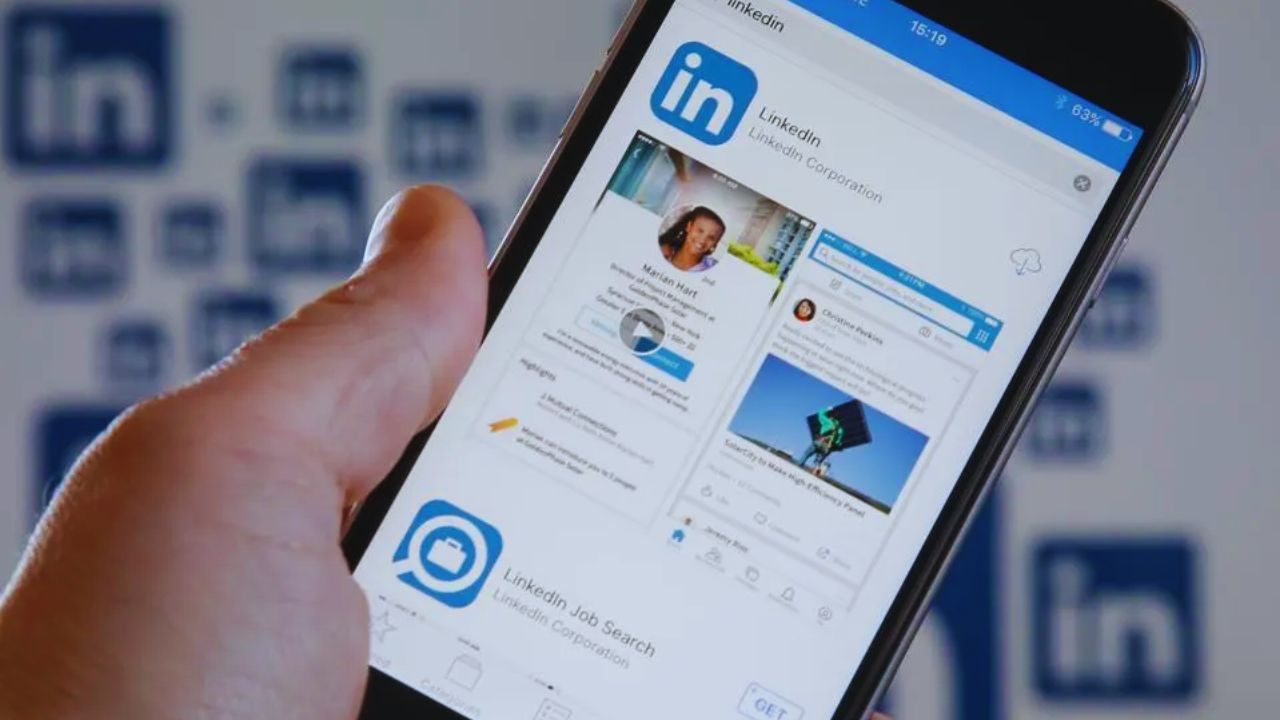
Alerts keep opportunities and deadlines visible, while company updates inform sharper, time-relevant questions. Unified tracking reduces chaos across submissions, messages, and interview logistics.
When your examples reflect the organization’s near-term initiatives and constraints, you demonstrate judgment, recency, and relevance—signals hiring teams consistently prioritize under time pressure.
Turn App Activity into Talking Points
Start by mapping required skills to two or three quantified projects that mirror the posting’s scope. Scan company pages, leadership posts, and recent announcements to anchor stories in present-day needs rather than dated assumptions.
Identify challenges implied by product launches, hiring waves, or market shifts across regions.
Convert those observations into tailored openings, then close with questions linking your experience to immediate objectives, reinforcing preparedness rather than guesswork.
Use AI Without Losing Your Voice
Ask AI to flag capability gaps and propose likely interview questions, then rebuild answers using your metrics, vocabulary, and decision logic.
Keep Situation and Task concise, expand on Actions, and quantify Results using outcomes the team values.
Record short practice takes to refine clarity, economy, and pacing, avoiding scripted cadence. Preserve your tone and reasoning so interviewers assess authentic judgment, not generic, tool-shaped phrasing or rehearsed clichés.
Manage Your Pipeline with Notes and Reminders
Create a lightweight log tracking role titles, contacts, dates, and next steps, then pin it for quick reference during calls.
Use saved searches and role bookmarks as your daily queue, clearing expired postings to maintain focus. Set reminders aligned to stated timelines so follow-ups feel timely instead of intrusive.
This discipline prevents missed windows, supports consistent communication, and gives you factual anchors during recruiter check-ins.
Responsiveness and Timing as Competitive Advantages
Respond to recruiter messages within hours, not days, because timely replies often determine who advances first.
If you need to reschedule, propose two specific alternatives and confirm calendar invites immediately. Watch your notifications around market open and close times when many teams send updates.
Consistent, courteous speed communicates reliability and prioritization skills—qualities managers prize as highly as technical competencies during fast-moving hiring cycles.
Step-by-Step: Using the LinkedIn App Effectively
Adopt a weekly cadence that balances profile maintenance, targeted searches, deliberate networking, and structured practice.
First, align headlines, summaries, and skills with job titles you actively pursue across markets. Next, save filtered searches and act quickly on alerts using tailored materials and notes.
Finally, message selectively with concise value, track outcomes, and schedule iterative preparation blocks. This rhythm compacts the journey from discovery to confident conversation.
Optimize Your Profile for Recruiter Search
Write a specific headline that matches target roles and a summary highlighting scope, strengths, and measurable wins.
Align skills and experience language to the terms employers use so internal search surfaces you accurately. Add recent projects, certifications, and links that showcase credibility and current expertise.
Set appropriate “Open to Work” visibility, confirm contact preferences, and enable notifications so you never miss recruiter outreach or scheduling messages.
Search, Save, and Apply with Precision
Run filtered searches emphasizing freshness, core competencies, and compensation alignment, then save them to trigger actionable alerts.
For Easy Apply, verify resume accuracy and attach tailored versions when emphasis differs from your default. For external portals, complete profiles thoroughly and archive key responses for consistency.
Track each submission’s status, contact, and timeline, and follow up respectfully with concise questions that clarify expectations, interviews, or assessments.
Network the Smart Way from Your Phone
Send targeted connection requests referencing a role, team, or shared interest to establish immediate context. After connecting, ask one focused question and offer a brief insight to demonstrate value without demanding referrals.
Respond to recruiter outreach quickly and decline opportunities respectfully to preserve rapport.
Share periodic, helpful posts to maintain visibility and demonstrate domain knowledge to hiring teams monitoring candidate activity within relevant communities.
Maintain Application Materials for Speed and Accuracy
Keep a concise master resume, a role-focused variant, and a short achievements addendum ready inside cloud storage.
Update measurable outcomes quarterly so metrics remain fresh and persuasive across applications. Maintain a compact portfolio of links or artifacts that verify claims without overwhelming reviewers.
This preparation allows fast tailoring on mobile and reduces errors, helping submissions land earlier in review queues and improving callback rates.
Interview-Day Readiness from the App
Confirm addresses, links, and time zones the day before interviews, then set mobile reminders fifteen minutes ahead.
Save key points for each interviewer in brief notes you can scan during transitions. Test your audio, camera, and background if you’re interviewing virtually on a mobile setup.
Afterward, log immediate reflections and action items while details are vivid, positioning yourself for sharp, timely follow-ups that reinforce interest.
Download, Setup, and Stay Current
Install only from official storefronts to avoid counterfeit listings, then enable notifications for job alerts, recruiter messages, and calendar invitations.
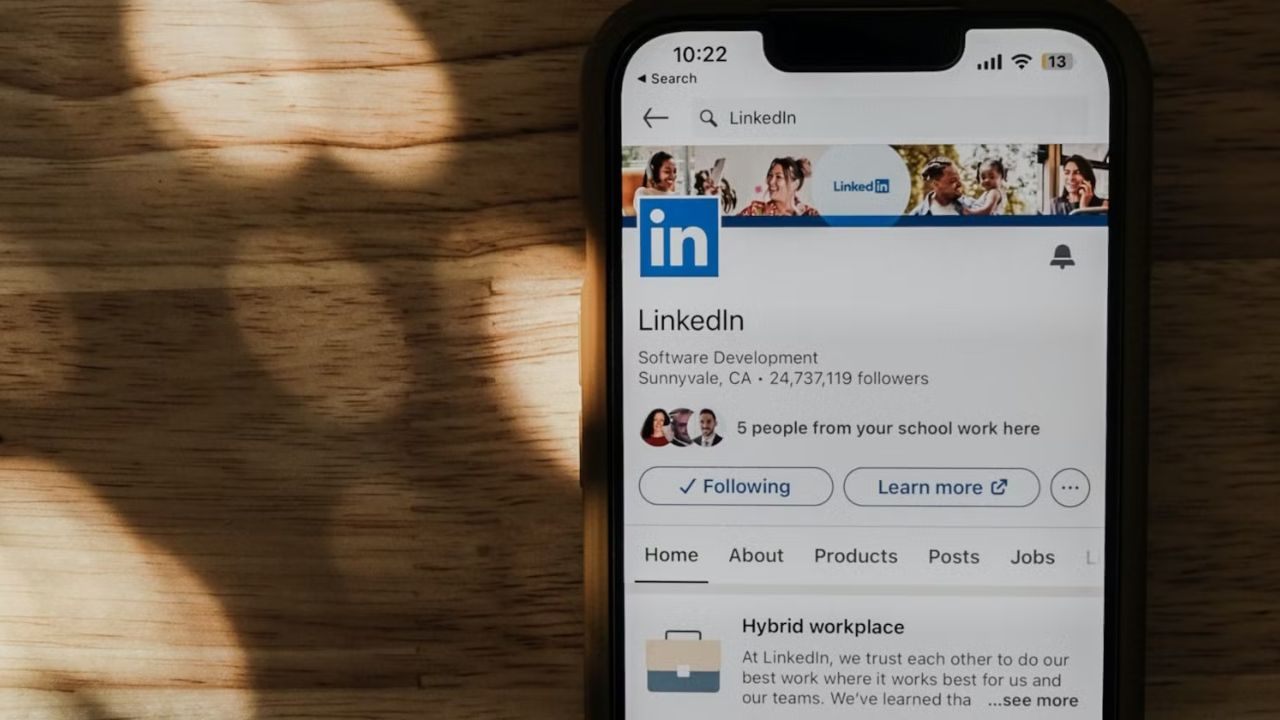
Secure your account with two-factor authentication, review visibility settings, and prune outdated content that dilutes your narrative.
Update the app promptly; search, notifications, and AI capabilities evolve frequently. Revisit saved searches monthly, retire expired roles, and recalibrate keywords as titles shift across your target industry’s hiring vocabulary.
Where to Download the LinkedIn App
Find the LinkedIn app in the Apple App Store for iOS and in Google Play for Android, both published by LinkedIn Corporation. Store listings summarize current features, ratings, privacy practices, and update histories you can evaluate before installing.
Use the official developer entry to ensure authenticity and data security end to end. After installation, sign in, verify email and phone, and opt into targeted notifications that support faster responses and smoother scheduling.
Conclusion
Sustained preparation beats last-minute cramming, and the LinkedIn app converts disciplined habits into momentum.
With this cadence, you reliably transform research and communication into confident interviews and stronger offers across competitive hiring cycles.