This guide explains concrete Zelle safety app tips, what it costs to use, current limits and policies, and how to act fast if something goes wrong.
Zelle is widely used for instant, account-to-account payments inside many banking apps.
The speed is convenient, but it also attracts scammers who try to trick users into sending money they can’t get back.
What Zelle Is—and Why Scams Target It
Zelle is a mobile wallet that moves money directly between bank accounts, usually within minutes.
Because transfers are fast and typically irreversible, criminals favor Zelle for social-engineering scams.
Impostor calls and texts, online marketplace bait, “pay yourself” tricks, and romance schemes.
Zelle itself publishes red-flag examples, including ticket scams, marketplace cons, romance scams, and money-mule schemes.
What Zelle, Banks, and Regulators Say About Scam Risks
Consumer protection agencies emphasize that payment-app transfers should be treated like cash.
Verify the recipient, avoid paying unknown sellers, and confirm requests—even from known contacts—through an independent channel.
Guidance from regulators highlights these precautions for mobile payment apps.
Recent Reports
Regulatory scrutiny around Zelle intensified in 2024.
The Consumer Financial Protection Bureau filed suit in December 2024 against three large Zelle owner-banks over alleged fraud handling.
In March 2025, major outlets reported that the CFPB dropped the case, reflecting an evolving enforcement landscape.
Practical Safety Checklist (do these every time)
Follow these Zelle safety app tips.
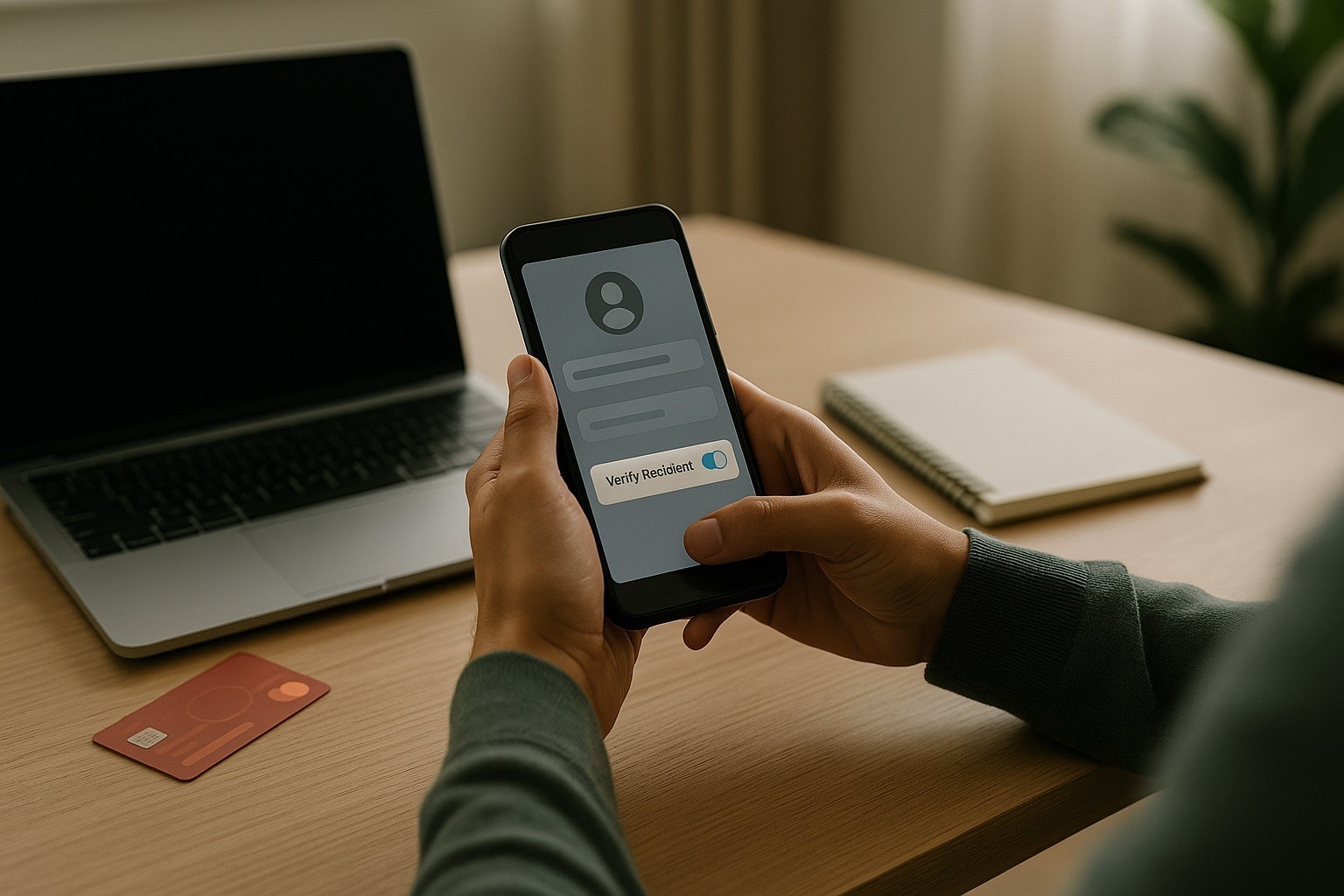
- Verify the person and the payment. If you get a payment request—even from a known name—call or message them at a number you already trust to confirm before sending. Don’t rely on a link or number in the incoming request.
- Treat Zelle like cash. Once you send, you usually can’t reverse it. Only send to friends, family, and trusted businesses that explicitly accept Zelle without purchase protection.
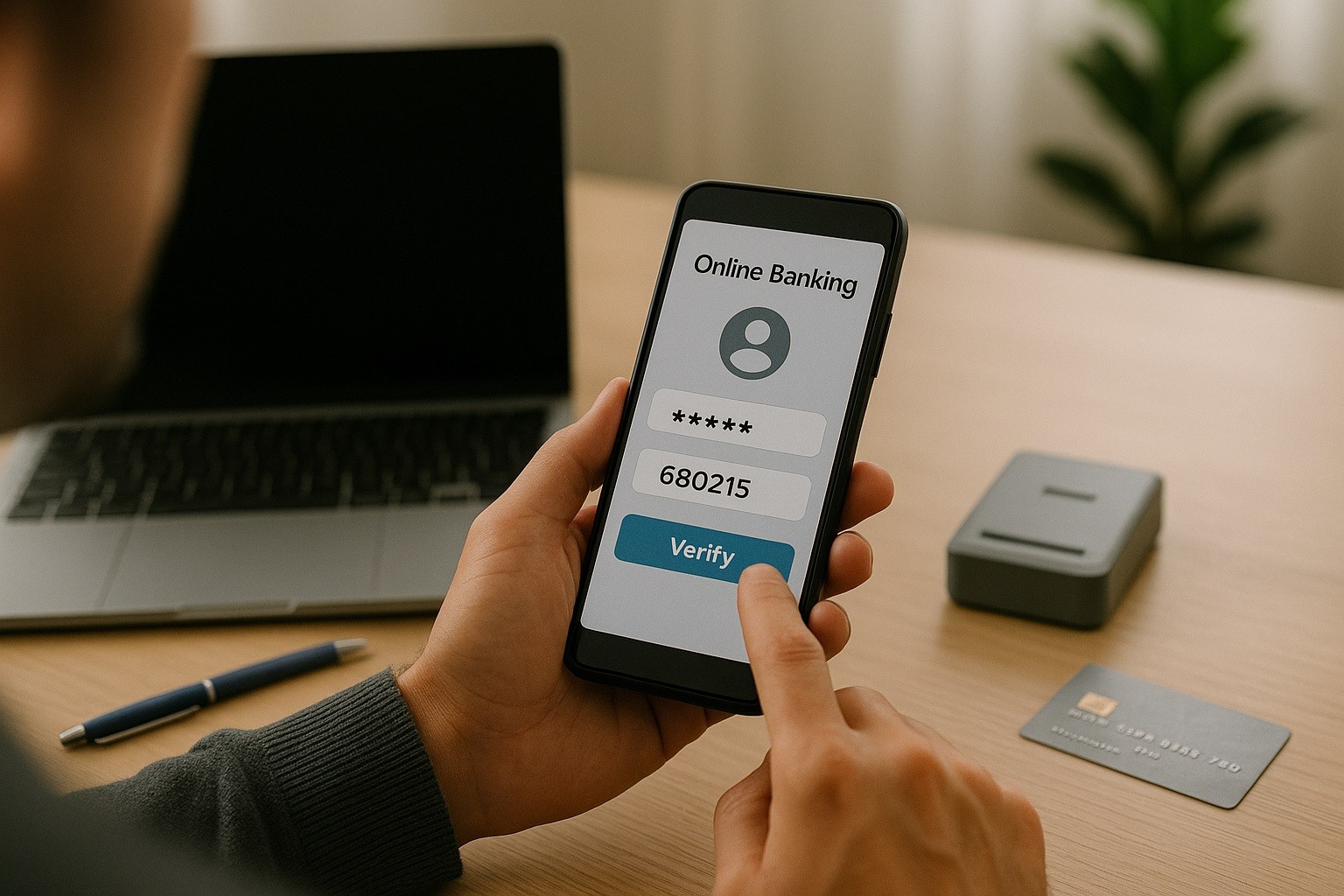
- Ignore “pay yourself” instructions. Banks warn they will never ask you to send money to yourself or provide a one-time code over the phone or text. Hang up and call your bank using the phone on the back of your card.
- Double-check the token (email/phone). A single character error can send money to the wrong person. Confirm the recipient’s Zelle email or phone number out-of-band before you tap “Send.”
- Avoid social-media marketplace payments. Banks have flagged a high rate of scams starting on social platforms. If a seller insists on Zelle before you’ve seen the item, walk away.
- Secure your phone and banking app. Use a strong device passcode/biometrics, enable app-level biometrics, turn on transaction alerts, and keep your OS and app updated. Limiting contact-access and permissions also reduces risk.
Red Flags That Mean “Stop”
Pressure or urgency. “Act now or lose your account/funds/tickets.” Legitimate institutions don’t rush you over Zelle.
Requests for codes. Anyone asking for your one-time security code is attempting account takeover.
Overpayment or shipping tricks. “I sent extra—refund me via Zelle.” That’s classic marketplace fraud.
Romance or investment pitches. Sudden money requests or “guaranteed returns” are common scam patterns.
Purchase Protection and Reimbursements: What to Expect
Zelle does not offer purchase protection for goods/services.
If you knowingly send money in a scam (an impostor convinces you), reimbursement is not guaranteed and depends on your bank’s policies and the situation.
Zelle’s support materials say to report to your bank first and note that some impostor scams may qualify for reimbursement under participating-bank policies.
Check your bank’s disclosures and ask how they handle “impostor scams” versus unauthorized transactions.
Step-by-Step: If You Think You Sent Money to a Scammer
Contact your bank or credit union immediately. Use the number on your card or inside the app.
Explain whether the transfer was unauthorized or if you were tricked. Ask them to file a fraud/scam report and request a recall if still possible.
File a complaint with the FTC (U.S.). Reporting helps investigators spot patterns and can support your bank claim.
Document everything. Save screenshots of messages, caller IDs, listings, and payment confirmations. Ask your bank for written outcomes on your claim.
Advanced Controls You Should Enable Today
Turn on notifications for every outgoing transfer. You’ll see misuse fast.
Use a unique password, app/phone biometrics, and avoid SMS-only codes when your bank offers stronger options.
Do not sync your entire contact list if you’re uncomfortable; limit app permissions.
If any payment request mentions Zelle, pause and call back using a trusted number before sending.
Full Zelle Safety App Tips
See:
| Security Risk | Potential Impact | Best Practice | Tool / Setting to Use |
| Phishing via SMS/Email (“smishing”) | Account takeover or unauthorized transfers | Don’t click links; contact your bank using the number on your card/app | Bank app secure messaging; phone callback; spam filtering |
| Social-engineering “pay yourself” scam | You authorize a transfer to a scammer’s token | Hang up; call back on a trusted number; banks never ask you to send money | Callback rule; number on card; call-blocking app |
| Marketplace scams (goods/services) | Permanent loss of funds (no purchase protection) | Avoid Zelle for unknown sellers; use protected payment methods | Platforms with buyer protection; escrow; card with dispute rights |
| Impostor fraud (friend/family/business) | Irreversible transfer to fraudster | Verify out-of-band (call/video) before sending | Contact verification checklist; bank alerts |
| Wrong recipient / mistyped token | Money sent to the wrong person; hard to recover | Confirm recipient in person or via trusted channel before sending | Saved/verified payees; “Review before send” prompts |
| Account takeover (weak password) | Fraudster enrolls/uses Zelle in your name | Use a unique, long password and password manager | Password manager; 12+ char passphrase |
| Weak or single-factor sign-in | SIM-swap or phishing can bypass | Add biometrics and stronger 2-factor | App/phone biometrics; authenticator app (TOTP) |
| SIM-swap attack | Gains access to bank/Zelle OTPs | Set a carrier PIN/port-freeze with your mobile carrier | Carrier account PIN; number-port freeze |
| Malware/Keylogger on device | Full account compromise | Keep OS/apps updated; avoid sideloading; scan device | OS auto-updates; mobile security app; official app stores |
| Public Wi-Fi snooping | Session hijack or credential theft | Use cellular or trusted Wi-Fi; if public, use a VPN | Cellular data; WPA3 home Wi-Fi; reputable VPN |
| Contact-list exposure | Increases targeted phishing and misdirected payments | Limit contacts access; add payees manually | App permission controls (Contacts = Off) |
| Fake support numbers on web | Social-engineered to disclose codes/send money | Use only official numbers in your bank app/card | In-app support; official site bookmarks |
| QR-code payment bait | Redirects to phishing or triggers payment | Don’t scan unknown QR codes; verify first | Built-in QR scanner from bank app only |
| Unverified business recipients | Fraud and no delivery | Pay only established, verified businesses | Bank’s verified directory; test with small $1 transfer first |
| Reused device after loss/theft | Fast unauthorized transfers | Remote-wipe lost device; de-authorize sessions | Find My iPhone/Android Device Manager; bank session management |
Bottom Line
Zelle safety app tips keep you safe when you send only to people you personally know and confirm every request out of band.
Build a habit of callbacks, slow down under pressure, and use a more protected payment method for strangers or marketplace deals.